Setup TP-Link VR1600v - FTTN/FTTB
 Before you begin
Make sure you have your internet connection username and password on hand.
The username will end with @connect.lightningip.com.au or @wba.lip.network and was provided in your welcome email.
If you are unable to find your username/password - please contact our team.

Before you begin
Make sure you have your internet connection username and password on hand.
The username will end with @connect.lightningip.com.au or @wba.lip.network and was provided in your welcome email.
If you are unable to find your username/password - please contact our team.
Connect Your Modem
- Connect the phone cable from the from the phone/nbn outlet to the DSL port on the back of the modem.
- Connect the modem to power and turn it on.
- Connect your computer to the modem either through the LAN network cable or via WiFi.
(The default Wi-Fi password can be found on the the base of your modem.)
Configuring Your Modem
- To access the modems web interface, open a browser and enter http://192.168.1.1/ into the address bar.
- The default username for your VR1600v is admin. The default password is admin.
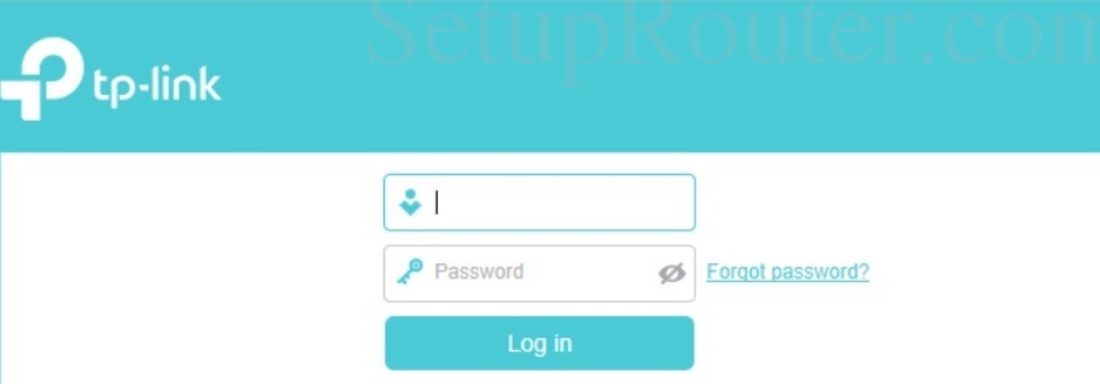
3. Once logged in, select the "Internet" tab from the left hand menu.
4. On the Internet Connection Setup page, enter the following details:
ISP List: Other
DSL Modulation Type: VDSL
VLAN ID: Unchecked
Internet Connection Type: PPPoE
Username: Your service username
Password: Your service password.
Click "Save".
Your modem will connect to the service.
Should you have any issues configuring your device, or your device does not connect, please contact our team for support.
Related Articles
Setup TP-Link TD-VG5612 on Lightning IP
You will need to know your Lightning IP Username and Password for your internet service. The username may end with @connect.lightningip.com.au or @wba.lip.network Connect Your Modem Make sure that your modem is connected to the NBN network through ...Setup Netcomm NF17ACV for nbn Fibre to the Node
Before you begin Make sure you have your internet connection username and password on hand. Setup your modem Connect the phone cable from the from the phone/nbn outlet to the DSL port on the back of the modem. Connect the modem to power and turn it ...Change WiFi Password on Archer VR1600v (Premium Modem)
Log into your modem using the web url and admin login. The default details are: Web URL: http://tplinkmodem.net/ Username: admin Password: admin Click on Wireless from the left hand menu. Under Network Name (SSID) set your desired network name. Under ...Enable Seamless Rate Adaption (SRA) on TP-Link TD-VG5612
Seamless Rate Adaption SRA allows a modem to make seamless rate changes in order to avoid dropping a connection. A rate change is a common affect of cross talk from adjacent lines, as well as by other interference such as temperature changes and ...Change your DNS provider
Changing your DNS Provider Connect your device to the TP-Link TD-VG5612 Modem/Router. This can be via a wired or wireless connection. From your web browser, enter the URL http://192.168.0.1/ or http://192.168.1.1/ You should see the login screen: ...